Free Online Typing Test: Check Your Typing Speed and Accuracy
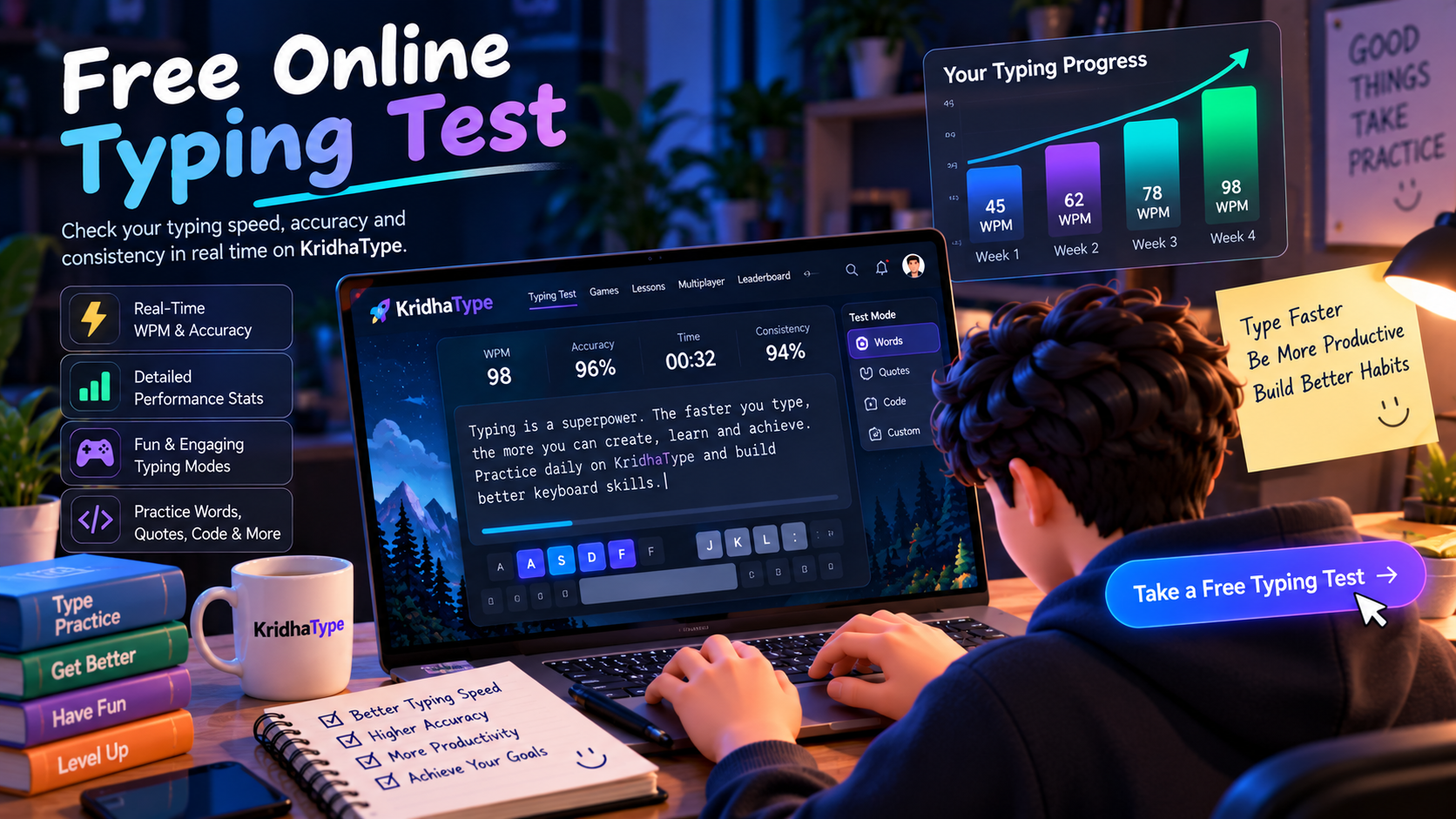
Table of Contents
- Table of Contents
- 1. What Is an Online Typing Test?
- 2. How Does a Typing Test Work?
- 3. What Is WPM in Typing?
- 4. Why Is Typing Accuracy Important?
- 5. What Is a Good Typing Speed?
- 6. Benefits of Taking a Free Online Typing Test
- 7. How to Improve Your Typing Speed
- 8. Different Types of Online Typing Tests
- 9. Take a Free Online Typing Test on KridhaType
- Frequently Asked Questions
- Start Your Typing Practice Today!
Free Online Typing Test: Check Your Typing Speed and Accuracy
Want to know how fast you can type? Whether you are a student, professional, developer, or beginner, taking a free online typing test is a great way to understand your typing skills.
A typing test helps you measure your words per minute (WPM), check your accuracy, and find areas where you can improve. You do not need to install any software or purchase an expensive typing program. You can simply open an online typing test, start typing, and check your results.
With KridhaType, you can practice typing, test your speed, explore different practice modes, and work toward becoming a more confident typist.
1. What Is an Online Typing Test?
An online typing test is a simple tool that measures how quickly and accurately you can type text using a keyboard. It displays words, sentences, or paragraphs for you to type within a selected time limit.
After completing the test, you can see important results such as:
- WPM (Words Per Minute): How many words you type per minute.
- Accuracy: How much of the text you typed correctly.
- Errors: The mistakes you made while typing.
- Consistency: How steadily you maintained your typing performance.
Whether you want to prepare for a typing exam, improve your productivity, or simply challenge yourself, a free typing test is a useful place to start.
2. How Does a Typing Test Work?
Most online typing tests are easy to use. You do not need special technical knowledge to get started.
- Open an online typing test platform.
- Choose a test duration or practice mode.
- Read the displayed text and start typing.
- Try to maintain a comfortable and consistent pace.
- Complete the test and review your results.
The platform calculates your typing performance based on the text you enter and the time taken. Depending on the test, you may also see your mistakes, accuracy, and other statistics.
For a more useful result, avoid rushing through the test. Focus on typing the displayed text correctly while maintaining a steady pace.
3. What Is WPM in Typing?
WPM stands for Words Per Minute. It is one of the most common measurements used to calculate typing speed.
For standard typing tests, one word is commonly treated as five characters, including spaces. Your WPM is calculated using the number of characters typed and the time taken.
For example, if you type 250 characters in one minute, your gross typing speed is approximately 50 WPM.
Example of Typing Speed
| Typing Speed | General Level |
|---|---|
| Below 20 WPM | Beginner |
| 20–30 WPM | Developing |
| 30–40 WPM | Intermediate |
| 40–60 WPM | Good |
| 60–80 WPM | Fast |
| 80–100 WPM | Very Fast |
| 100+ WPM | Advanced |
These are general reference ranges, not official skill classifications. Your typing speed can vary depending on the text, keyboard, language, and test conditions.
4. Why Is Typing Accuracy Important?
Typing quickly is useful, but speed alone does not tell the complete story. If you type 80 WPM but make frequent mistakes, you may spend extra time correcting your work.
Typing accuracy measures how correctly you enter the displayed text. It helps you understand whether you are typing carefully or making too many mistakes.
For example:
- Person A types at 75 WPM with 85% accuracy.
- Person B types at 60 WPM with 98% accuracy.
Person B is typing more accurately, even though their speed is lower. The goal should be to improve both speed and accuracy rather than focusing on WPM alone.
5. What Is a Good Typing Speed?
A good typing speed depends on your daily activities and personal goals. Someone who uses a keyboard occasionally may be comfortable at 30–40 WPM, while someone who writes or codes regularly may aim for 60–80 WPM or higher.
Here are some general goals you can work toward:
- Beginners: Build accuracy and aim for 20–30 WPM.
- Students: Work toward 40–50 WPM for everyday tasks.
- Office professionals: Aim for 50–70 WPM with good accuracy.
- Writers and frequent typists: Practice toward 70–90 WPM or more.
- Advanced typists: Challenge yourself to reach 100+ WPM while maintaining accuracy.
Remember that these are suggested practice goals, not requirements. A comfortable, accurate typing speed is more useful than chasing a number that does not match your needs.
6. Benefits of Taking a Free Online Typing Test
Understand Your Current Typing Speed
A typing test gives you a starting point. Instead of guessing how fast you type, you can measure your WPM and set a realistic improvement goal.
Improve Your Typing Accuracy
Reviewing your mistakes helps you identify problem keys, spelling errors, and typing patterns that need more practice.
Build Better Keyboard Habits
Regular typing practice can help you become more comfortable with the keyboard. Learning correct finger placement and touch typing can also reduce unnecessary movements.
Track Your Progress
Taking tests regularly lets you compare your results over time. You can see whether your speed and accuracy are improving and adjust your practice accordingly.
Improve Everyday Productivity
Typing is part of many everyday activities, including writing emails, preparing documents, studying, programming, and communicating online. Better keyboard skills can make these activities feel more comfortable.
7. How to Improve Your Typing Speed
If you want to improve your typing speed, regular practice is more useful than trying to type as fast as possible from the beginning.
Learn Touch Typing
Touch typing means typing without constantly looking at the keyboard. Learn the home-row position and practice using the correct fingers for different keys.
Practice Every Day
Spend 10–15 minutes practicing every day. Short and regular sessions can help you build a consistent typing habit.
Focus on Accuracy First
Do not rush to increase your WPM. Try to type correctly first, then gradually increase your speed as your confidence improves.
Practice Different Types of Text
Practice with ordinary words, complete sentences, paragraphs, numbers, punctuation, and programming code. Different types of text help you become comfortable with different keyboard patterns.
Review Your Mistakes
After every test, check where you made mistakes. Spend extra time practicing difficult keys and letter combinations instead of repeating only the exercises you already know.
Challenge Yourself Gradually
Once you become comfortable with your current speed, try slightly more challenging tests. Set small goals and track your progress instead of expecting instant results.
8. Different Types of Online Typing Tests
Not every typing test is the same. Different test formats help you practice different skills.
Timed Typing Test
A timed typing test gives you a fixed amount of time to type as much text as possible. Common durations include 15, 30, 60, and 120 seconds.
Words-Based Typing Test
In this test, you type a selected number of words. It is useful for practicing common vocabulary and measuring your typing performance.
Paragraph Typing Test
Paragraph tests provide longer passages to type. They help you practice punctuation, capitalization, sentence structure, and consistency.
Numbers and Symbols Typing Test
These tests focus on numbers and special characters. They are especially useful for people who work with spreadsheets, calculations, and programming.
Code Typing Practice
Code typing exercises let developers practice typing programming syntax, brackets, operators, and code snippets. This can help build familiarity with frequently used coding patterns.
9. Take a Free Online Typing Test on KridhaType
If you are looking for a place to test your typing speed and practice regularly, give KridhaType a try.
KridhaType brings together typing tests and different practice experiences to make improving your keyboard skills more interesting.
Here is what you can explore:
- Typing Tests: Check your WPM and accuracy.
- Practice Modes: Practice with words, quotes, and other text.
- Coding Practice: Improve your familiarity with programming syntax.
- Typing Games: Make practice more enjoyable with interactive games.
- Multiplayer Races: Challenge friends and other users.
- Leaderboards: Compare your performance with other typists.
- Typing Lessons: Learn touch typing step by step.
You can start with a simple typing test and gradually explore other ways to improve your skills.
Take a Free Online Typing Test on KridhaType
Frequently Asked Questions
1. Where can I take a free online typing test?
You can take a free online typing test on KridhaType. It allows you to practice typing and check your speed and accuracy without installing a desktop application.
2. How can I check my typing speed online?
Open an online typing test, select a test mode, and type the displayed text. Once you finish, the platform calculates your typing speed in words per minute (WPM) and displays other performance results.
3. What does WPM mean in a typing test?
WPM means Words Per Minute. It measures how many standardized words you type in one minute. Many typing tests use five characters, including spaces, as one standard word.
4. Is 40 WPM a good typing speed?
Yes. Around 40 WPM is a useful typing speed for many everyday activities. You can aim higher as you become more comfortable with the keyboard.
5. Is 60 WPM considered fast?
Yes. A typing speed of 60 WPM is generally considered good for everyday computer use. Accuracy and consistency are also important when evaluating your performance.
6. How long should I practice typing every day?
Beginners can start with 10–15 minutes of daily practice. Focus on accuracy and gradually increase your practice time based on your goals and schedule.
7. Can I improve my typing speed in 7 days?
You may notice improvements in comfort and accuracy after a week of consistent practice. However, significant typing-speed improvements usually require continued practice over a longer period.
8. Should I focus on typing speed or accuracy?
Focus on accuracy first. Once you can type consistently with fewer mistakes, work on increasing your speed. Both skills are important for effective typing.
9. Can I take a typing test on my mobile phone?
Many online typing platforms can be opened on mobile devices. However, a physical keyboard is generally more suitable for measuring traditional computer typing speed and practicing touch typing.
10. Is an online typing test useful for students and developers?
Yes. Students can use typing tests to improve their keyboard skills for assignments and exams. Developers can practice typing code and become more comfortable with programming symbols and syntax.
Sujal Kumar Soni
Founder & AuthorCreator and lead engineer of Kridha Type. Passionate about developer tooling, high-velocity typing mechanics, and helping engineers reach their peak cognitive flow state.
Put These Techniques to the Test
Track your exact words per minute, keystroke latency, and code accuracy on Kridha Type.
Recommended Reading
How to Increase Typing Speed for Coders: 10 Science-Backed Methods
Master touch typing tailored specifically for developers. Learn how practicing real JavaScript, React, and Python syntax builds muscle memory faster than generic dictionary tests.
Why WPM and Accuracy Matter for Software Engineers in 2026
Why typing rhythm directly impacts your cognitive flow state during complex programming, code reviews, and live technical interviews.
Mastering Special Symbols and Brackets in JavaScript and React JSX
Drill exercises for error-prone syntax symbols like curly braces, arrow functions, semicolons, triple equals, square brackets, and JSX props to eliminate typing bottlenecks.